
Installation is a component of SQL Server 2019
This section is a summary of dialogs for installing SQL server 2019.
Note: If you view dialog boxes not listed here, use the default selections.
Default Instance

Figure 11.
Service account Setup
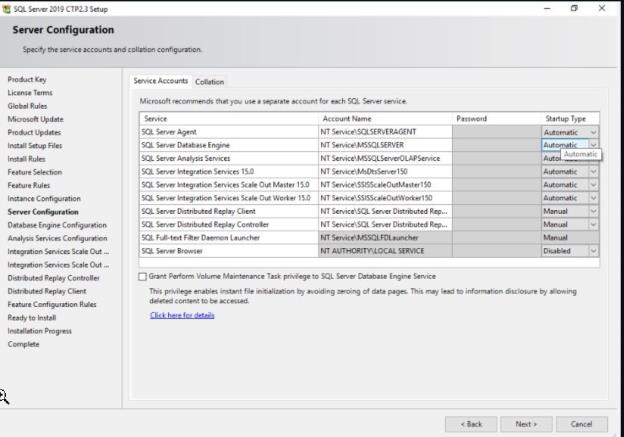
Figure 12.
Database Engine Configuration and Authentication Mode
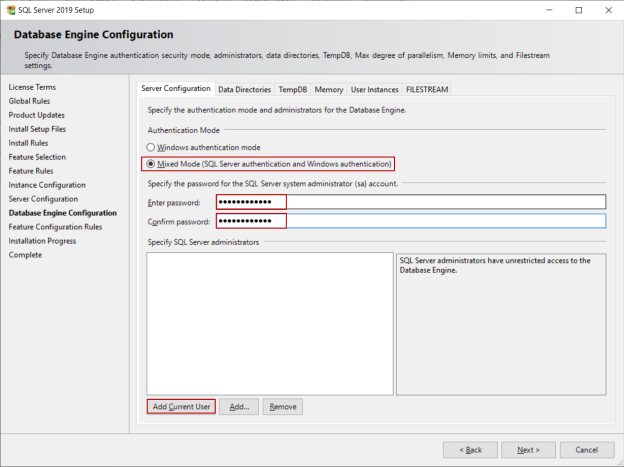
Figure 13.
Analysis Services Configuration
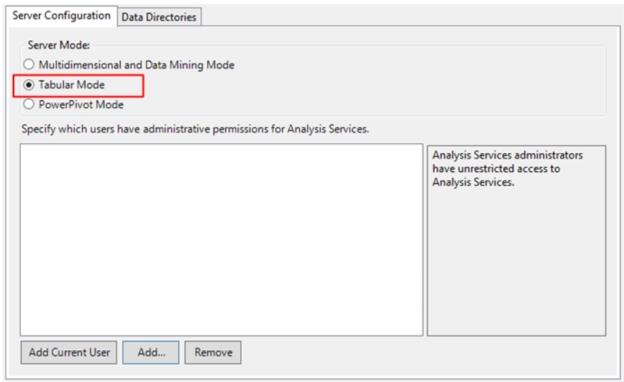
Figure 14.
Reporting Services Options
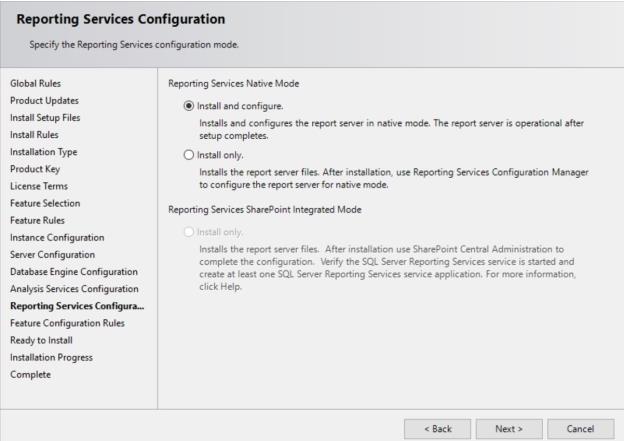
Figure 15.
Remaining Selections
The default selections can be used from this point forward.